
Step 1 · LinkedMash
1
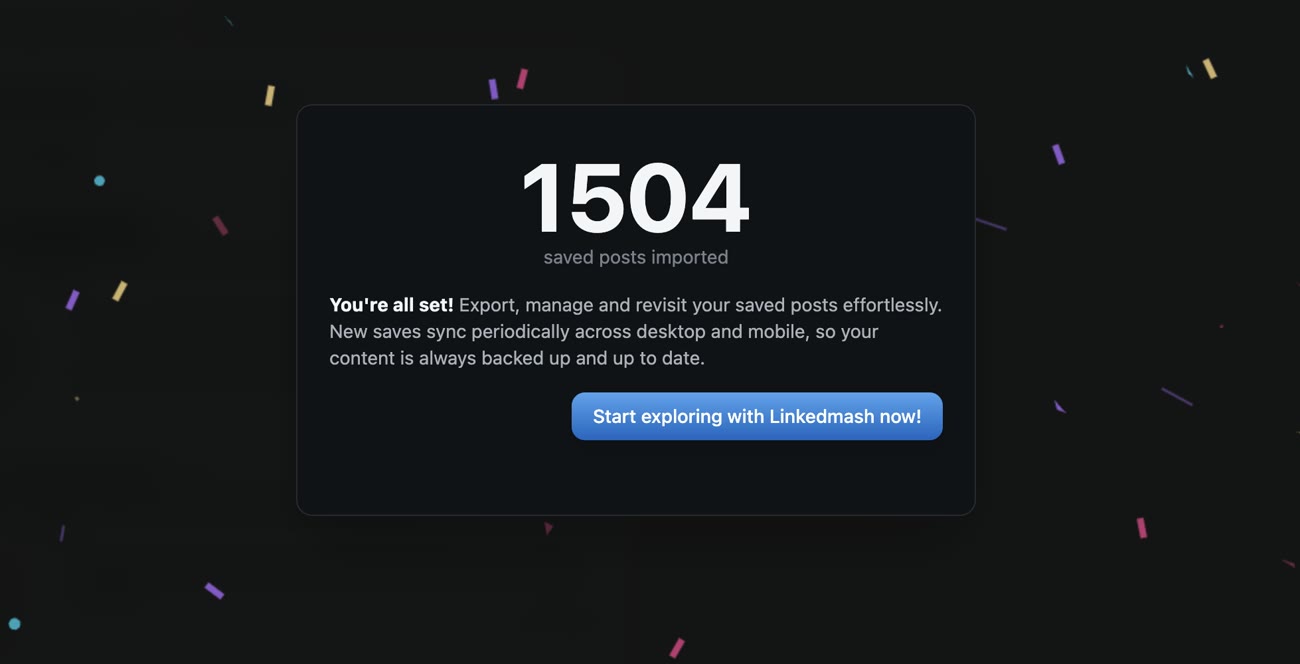
Import your saved posts
Add the LinkedMash extension and import your complete LinkedIn saved-post history.
Pipe every LinkedIn post you save into a Google Sheet, ready to filter, analyze or share. No copy-paste.
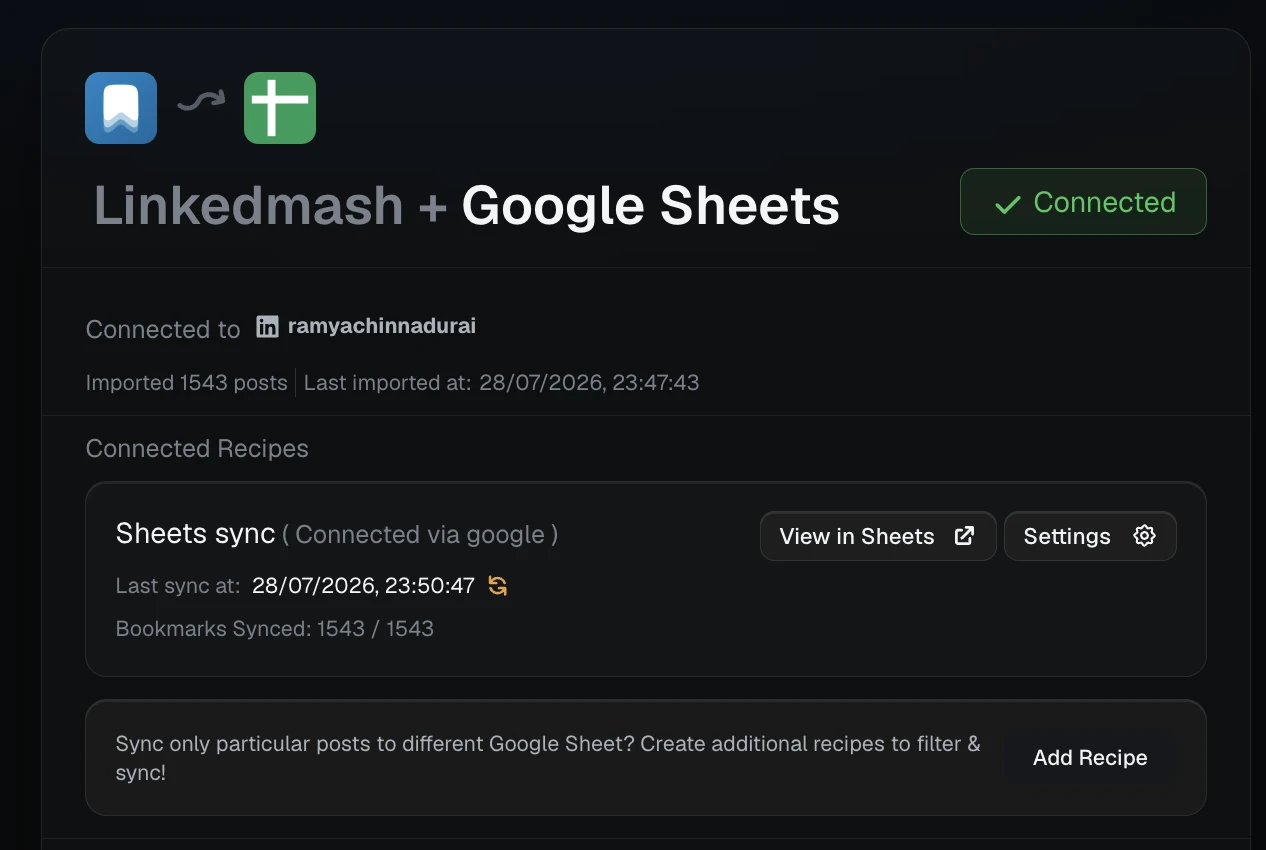
Import the library, connect one Google Sheet, and let each new save append with a consistent eleven-column structure.
Add the LinkedMash extension and import your complete LinkedIn saved-post history.
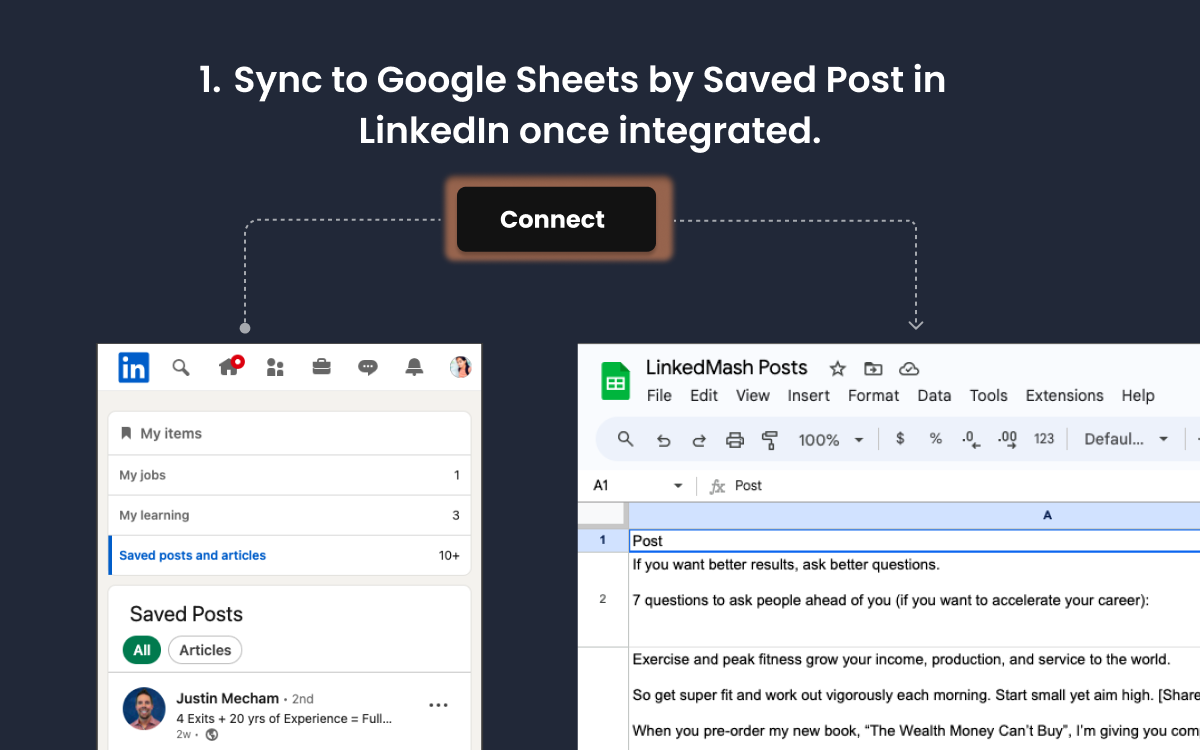
Authorize Google or use the manual single-sheet setup when you want narrower access.
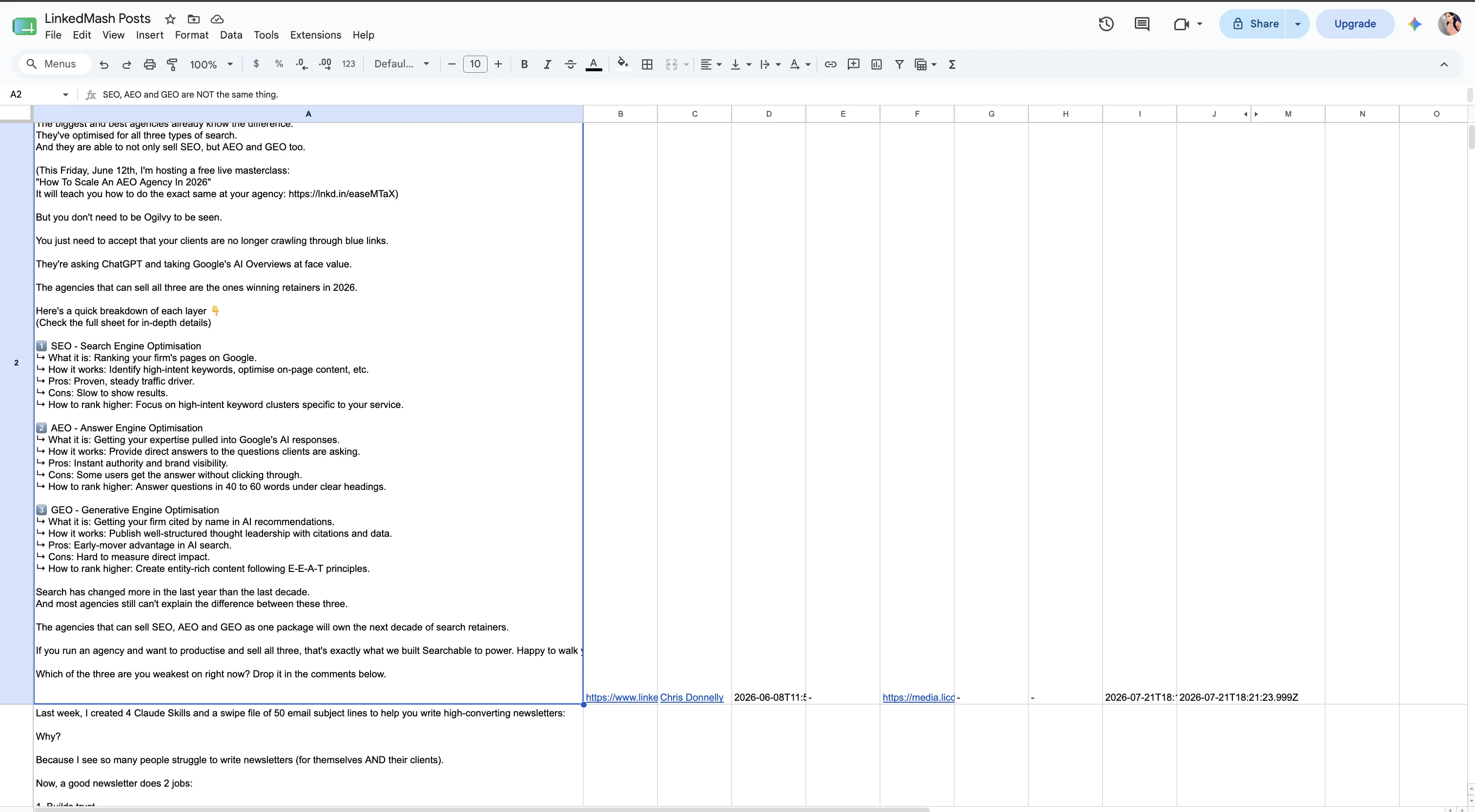
Pick the spreadsheet once. Each matching save becomes a new structured row automatically.
Every save becomes a clean row with the source, author and media fields needed for filtering, analysis and handoff.
Use Google authorization for the fastest setup, or choose the manual route when you want to grant editor access to one specific spreadsheet.
Each saved post appends as one row with a stable schema, so the sheet is ready to sort, filter, pivot or share the moment it lands.
Route different authors, labels or topics to different sheets instead of asking one giant spreadsheet to serve every workflow.
The connected spreadsheet, active recipes and latest appended rows stay visible, so you can tell that the sync is healthy.
Real LinkedMash customers using their saved posts for research, organization and work they can find again.
When it took me to LinkedMash and my dashboard I was like ‘holy moly’, I’ve been wanting this for ages. Now I want to write content and make posts on the back of what I saved. The integration goes into my personal AI agent framework to absorb the saved articles and match them against the themes I’m writing about. A regular workflow powered by my simply hitting save on LinkedIn.

I use it to scan all my saved posts so I can collate ideas and use the information gleaned by other thought leaders to inform my strategic planning and delivery.
I just discovered LinkedMash, and I love it! 😍 Thank you, thank you, thank you! I sync it to Notion and holy cr@p it's a beautiful thing 🤗

LinkedMash made it extremely simple to organize and export dozens of LinkedIn posts for a freelance project, saving me easily hours of work. Happy to support a product that does what it says without muss, without fuss, and without ads.

I bookmark a lot of linkedin posts for referencing later but they always used to get lost and I would never revisit them. After using linkedmash I can revisit my saved bookmarks just be using a word I remember.

Product details verified
Install the LinkedMash extension and it imports your LinkedIn saves. Connect Google Sheets, choose the spreadsheet to sync to, and every saved post is appended as a row automatically, ready to filter, sort or analyze. No copy-paste.
Yes. New saves sync to your Google Sheet automatically in the background as you save them on LinkedIn, so your spreadsheet stays current without any manual export step.
LinkedMash writes eleven fixed columns: post text, original link, author, post date, labels, image URL, video URL, document URL, import time, created time and post ID.
Yes. Import the existing library into LinkedMash before connecting Sheets, then sync those records into the spreadsheet and keep future saves appending automatically.
Yes. Filter recipes can match authors, labels or keywords, exclude keywords with !, and route focused sets into separate connected sheets.
No. Sheets is a live destination that keeps appending rows. CSV is a portable one-time download with a separate twelve-column schema, so choose based on whether you need collaboration or a file snapshot.
Connect one Google Sheet and let every new save arrive as a clean row.
Import your existing saved posts · Keep new saves moving automatically