
Step 1 · LinkedMash
1
Import your saved posts
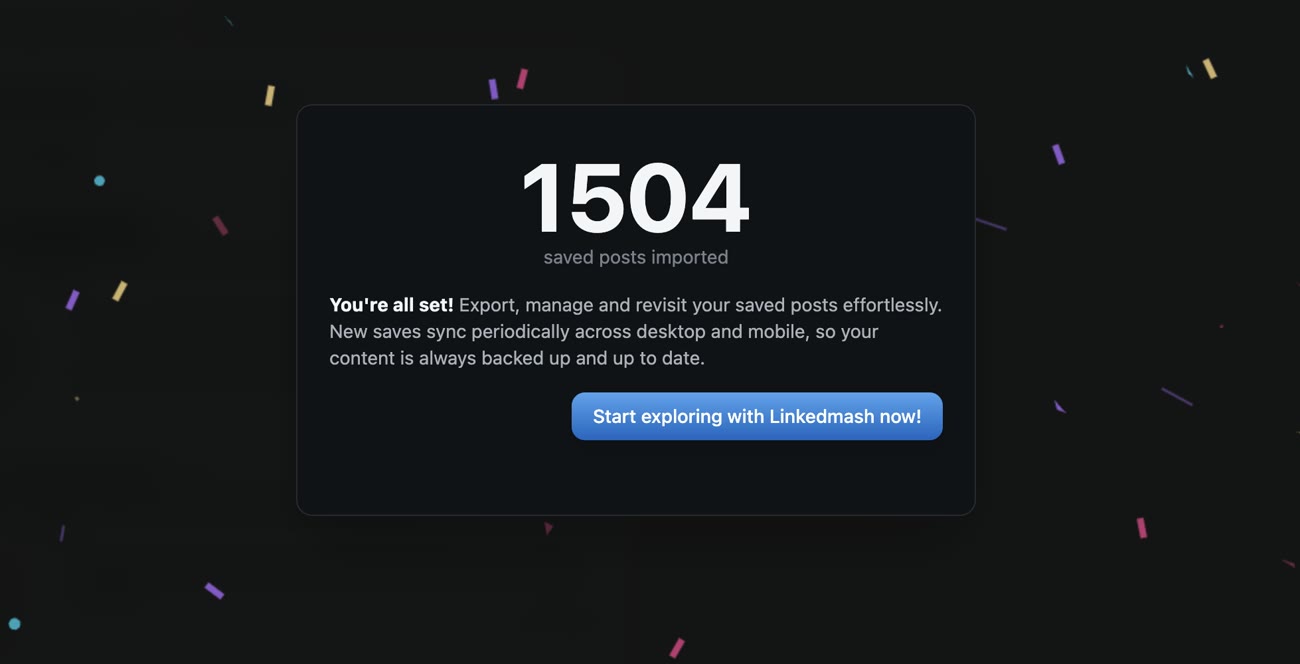
Add the LinkedMash extension and import your complete LinkedIn saved-post history.
Turn your LinkedIn saves into an Airtable base: structured records with media, ready for your views, automations and team.
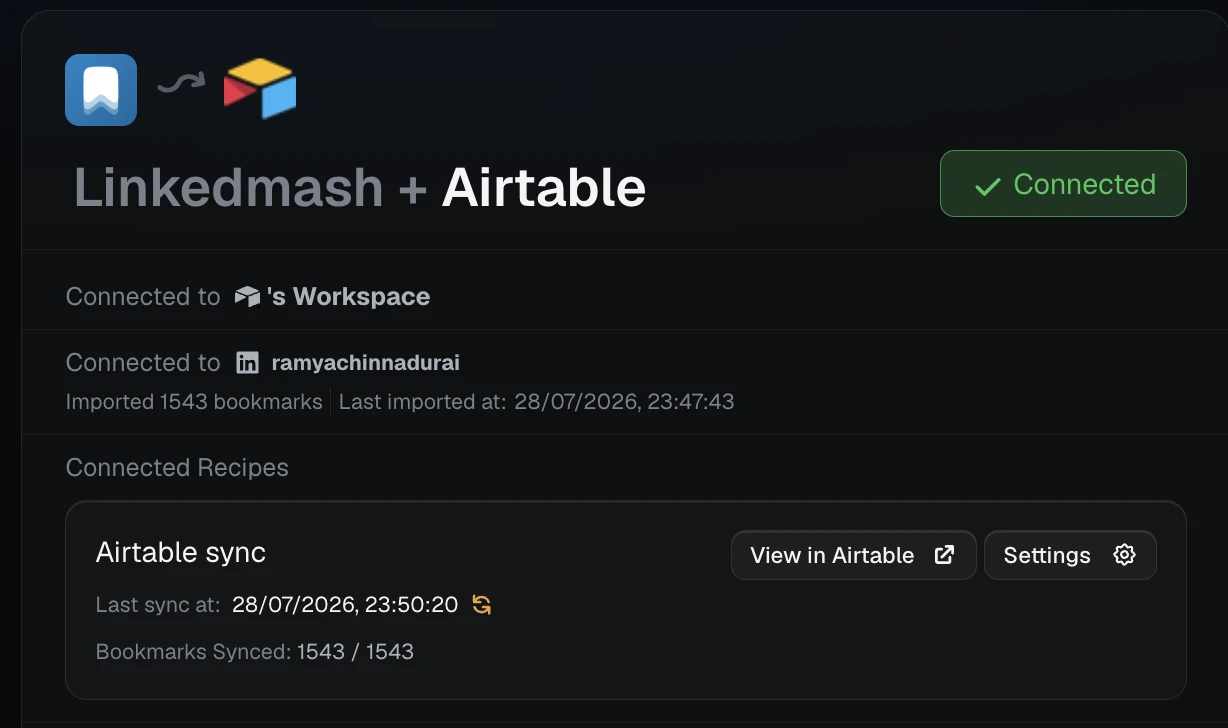
Import your saved-post history, authorize Airtable, and choose the base and table that should receive new records.
Add the LinkedMash extension and import your complete LinkedIn saved-post history.
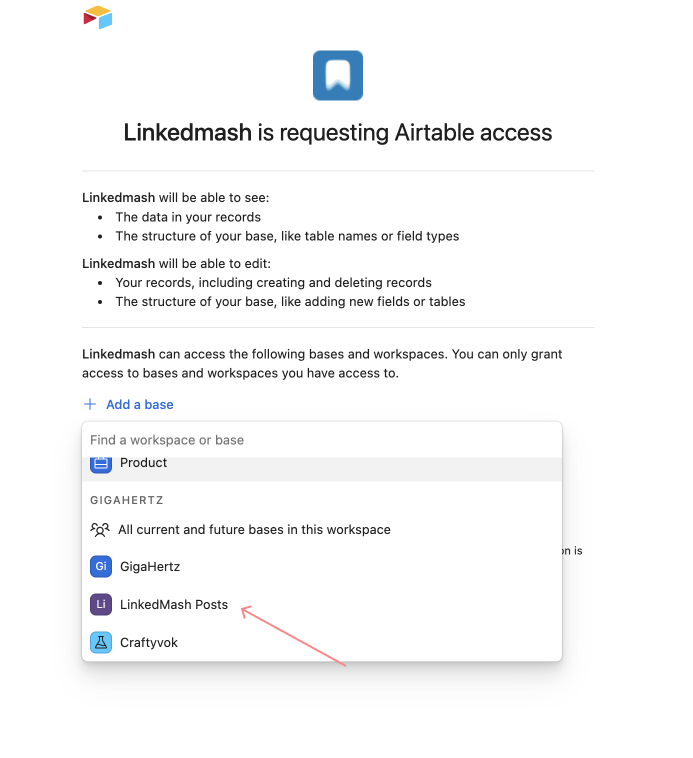
Authorize LinkedMash in Airtable and select the base that should receive your research.
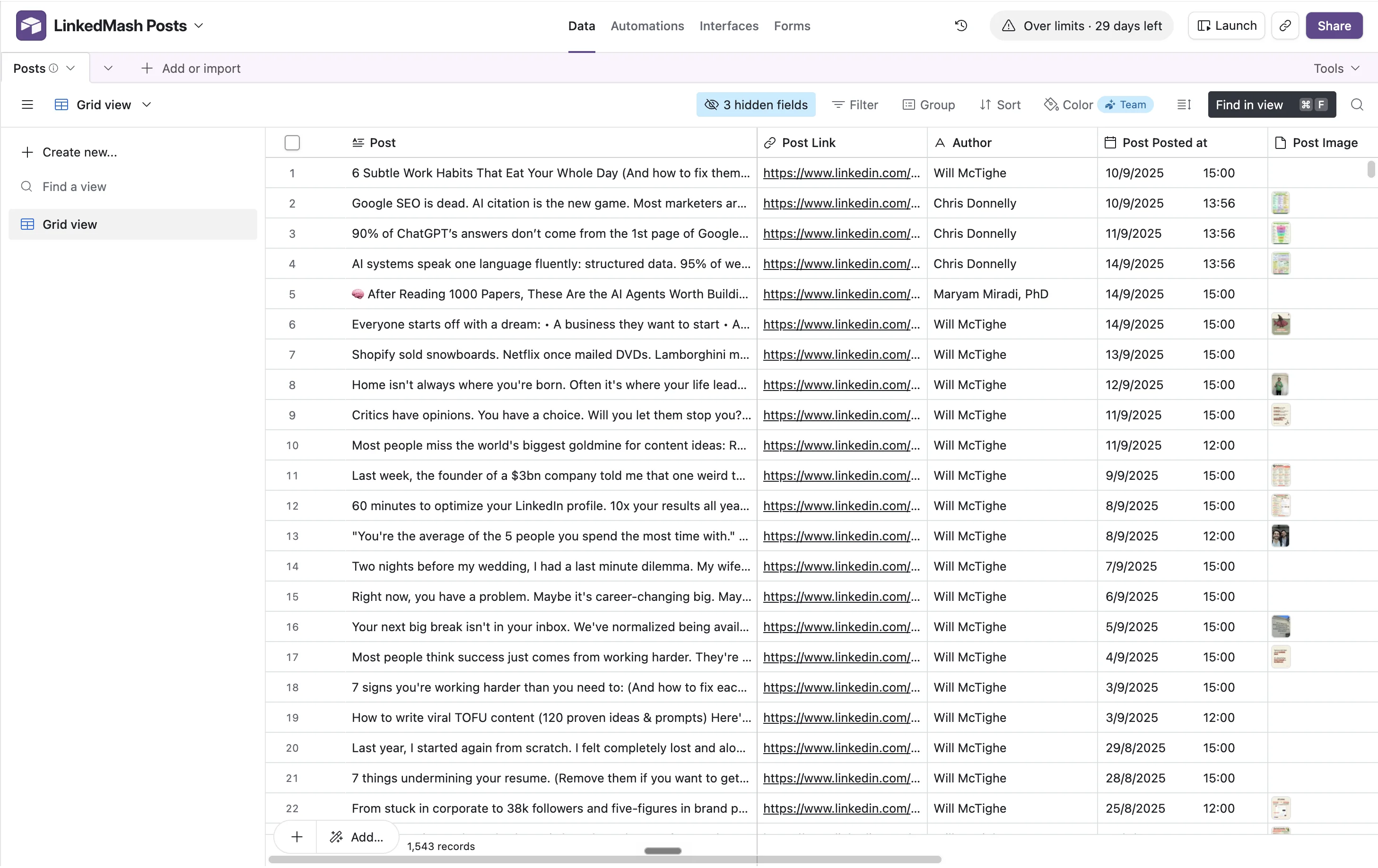
Choose the table once. Every matching LinkedIn save becomes a record that Airtable views and automations can use.
Each saved post arrives as a record with properties and attachments that Airtable views, interfaces and automations can use.
Post text, source, author, labels and media land in separate fields instead of one pasted block.
See the connected base, latest records and active recipes from the same integration surface.
Real LinkedMash customers using their saved posts for research, organization and work they can find again.
When it took me to LinkedMash and my dashboard I was like ‘holy moly’, I’ve been wanting this for ages. Now I want to write content and make posts on the back of what I saved. The integration goes into my personal AI agent framework to absorb the saved articles and match them against the themes I’m writing about. A regular workflow powered by my simply hitting save on LinkedIn.

I use it to scan all my saved posts so I can collate ideas and use the information gleaned by other thought leaders to inform my strategic planning and delivery.
I just discovered LinkedMash, and I love it! 😍 Thank you, thank you, thank you! I sync it to Notion and holy cr@p it's a beautiful thing 🤗

LinkedMash made it extremely simple to organize and export dozens of LinkedIn posts for a freelance project, saving me easily hours of work. Happy to support a product that does what it says without muss, without fuss, and without ads.

I bookmark a lot of linkedin posts for referencing later but they always used to get lost and I would never revisit them. After using linkedmash I can revisit my saved bookmarks just be using a word I remember.

Product details verified
Install the LinkedMash extension and it imports your LinkedIn saves. Connect Airtable, pick the base and table, and every saved post becomes a structured record automatically, with its media attached, ready for your views, automations and team.
Yes. Attachments come across with each record, so the images and video from a saved post live in your Airtable base alongside the text, author and original link.
Yes, it is not a one-time import. Every new LinkedIn post you save creates a record in your Airtable base automatically, so the base stays in sync with your saves in the background.
Yes. Import your existing saved-post history into LinkedMash first, then connect the Airtable base. The initial records and future matching saves can use the same destination workflow.
Yes. Use recipes to match an author, label or keyword and send different research streams into separate Airtable destinations.
Yes. Keep the required LinkedMash source fields intact, then add Owner, Status, Project, Notes, views, interfaces and automations beside them.
Connect a base once, then use views and automations on every new record.
Import your existing saved posts · Keep new saves moving automatically